Design in 2026 is no longer just about creativity — it’s about speed, automation, and AI-assisted workflows. Designers who leverage AI tools today can produce more content, faster, and at a higher quality.
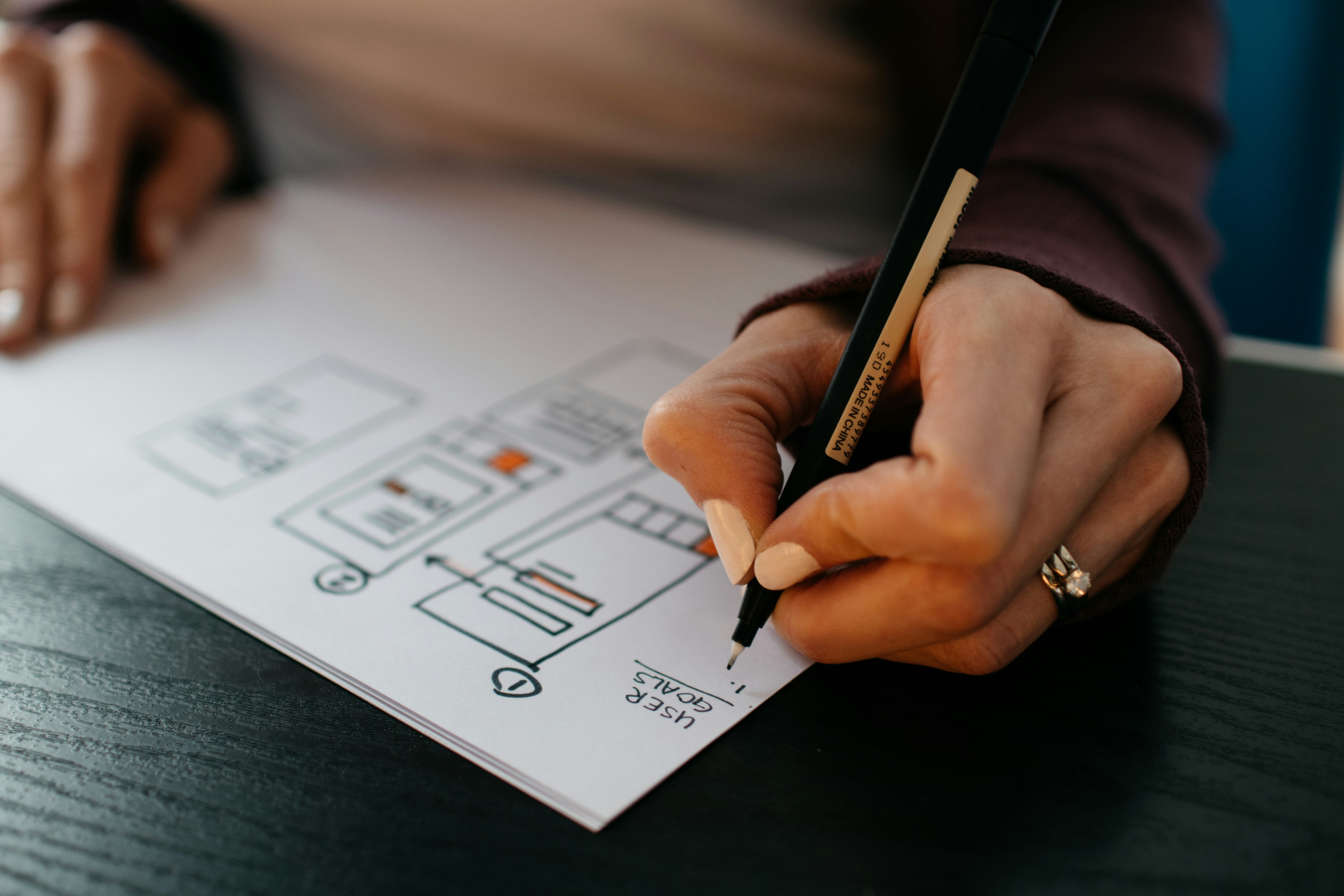
Whether you're a graphic designer, content creator, or UI/UX professional, AI tools are now essential for staying competitive in a fast-moving digital world.
Why AI Tools Matter in 2026
AI tools are not replacing designers — they are amplifying their capabilities.
- Generate ideas instantly
- Automate repetitive tasks
- Speed up production workflow
- Improve design consistency

Top AI Tools for Designers
1. Midjourney
AI image generation tool for concept art and creative visuals.
2. Canva AI
Design automation with templates, Magic Design, and layouts.
3. Adobe Firefly
Generative AI editing integrated into Adobe tools.
4. Runway ML
AI video editing with advanced effects and automation.
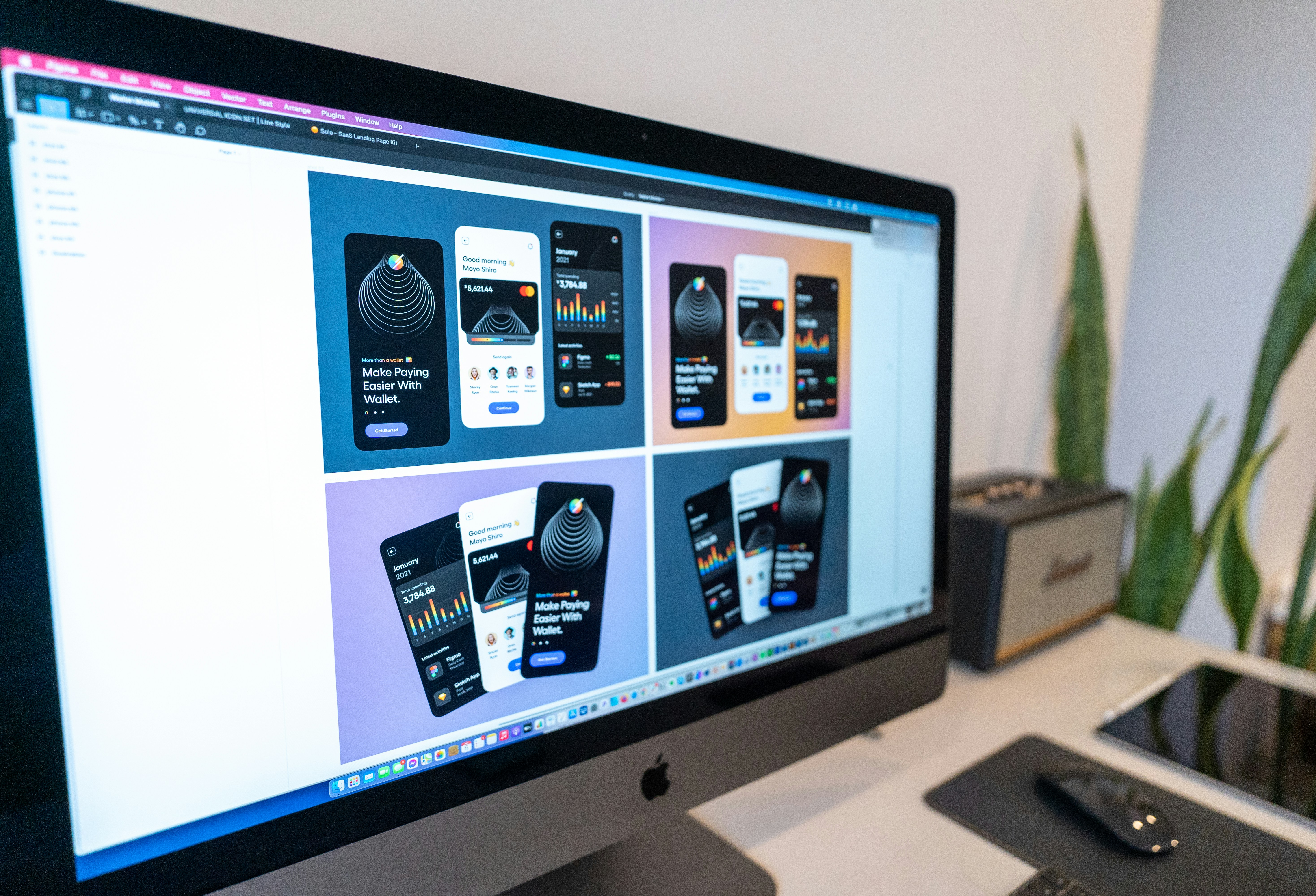
5. Figma AI
UI/UX acceleration with smart layouts and suggestions.
6. Leonardo AI
Asset generation for games, branding, and creative work.
7. Khroma
AI-powered color palette generator.
8. Looka
AI logo creation for branding.
9. Remove.bg
Automatic background removal tool.
10. Creator Cloud
Optimize images, compress videos, and prepare files for publishing.
Best Practices for Using AI
- Use AI for speed, not full dependency
- Always refine outputs manually
- Maintain brand consistency
- Combine multiple tools for better results
Explore Related Guides
Conclusion
AI tools are transforming the design industry in 2026. Designers who adopt these tools will work faster, produce better results, and stay ahead of the competition.
Optimize Your Design Files
Use Creator Cloud tools to compress and optimize your assets before publishing.
Frequently Asked Questions
Are AI tools replacing designers?
No — they enhance productivity, not replace creativity.
Which AI tool is best for beginners?
Canva AI is the easiest to start with.
Do professionals use AI tools?
Yes — most professionals use AI to speed up workflows.